No fewer than three new versions of Log+Key have been released over the past few months: the 1.14, 1.15 and 1.16 releases. Even though many of these changes happen behind the scenes, our users feel them in their everyday work. Every single adjustment makes the software a little more effective, simpler and more user-friendly.
🧭 Refined user guidance
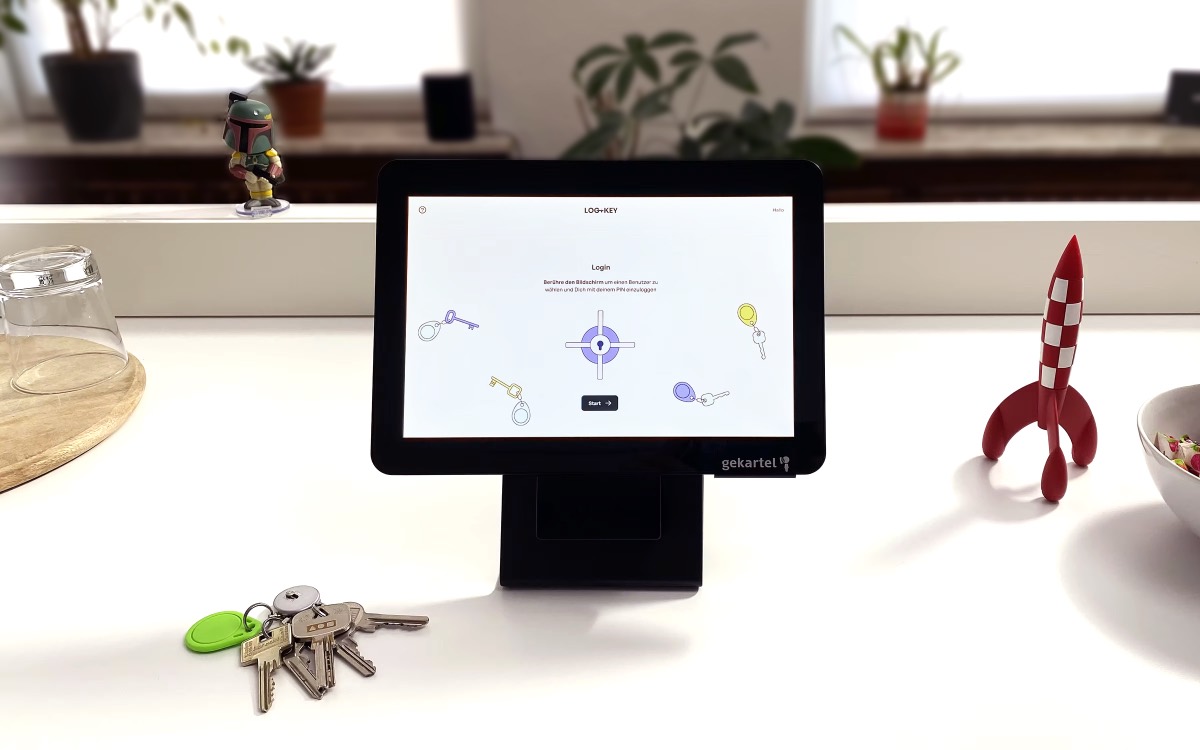
One focus of the recent releases was optimising user guidance and workflow processes. The checkout and return process has been reworked and now guides users even more clearly through the individual steps with the help of newly structured pop-ups. The terminal has also been adjusted at a key point: names now appear larger, which makes operation on touchscreens considerably easier. Mandatory fields are clearly marked with an asterisk — this reduces uncertainty and ensures smoother workflows. In addition, the filter elements have been optimised for mobile devices, and a calendar now opens automatically when a precise checkout/return time needs to be selected.
📨 Better communication
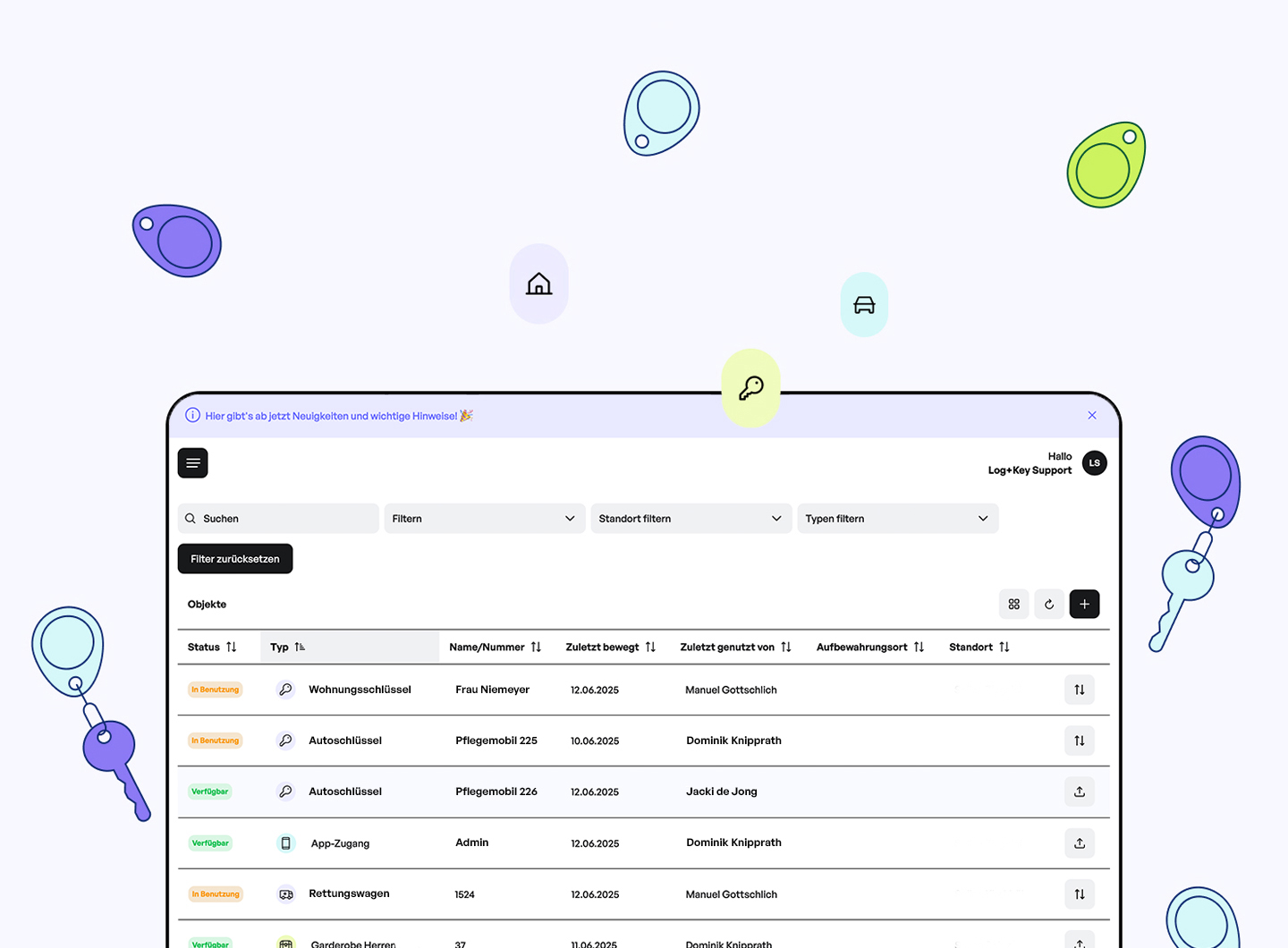
Log+Key can now communicate directly within the application via a new notification bar. This makes scheduled maintenance or important notices visible in a simple yet striking way, without users having to rely on external channels. At the same time, the design of the welcome emails for new users has been reworked and now provides a warm and professional introduction to our system.
📝 Clearer documentation
Key improvements have also been implemented in the area of documentation. The “last moved” information can now be viewed directly on the object detail page, so that important movements can be traced at a glance. History entries now store all metadata in machine-readable form — a decisive step towards better data analysis and process insights. In addition, the change history for object edits has been reworked and made clearer.
⚙️ New configuration options
Log+Key now offers administrators even more flexibility. Custom fields can now be adjusted directly during checkout or return — this saves time and enables individual workflows. Object types can not only be differentiated through additional colour options, but the matching icons can now also be found more quickly via a new search function. The settings around signatures have also been extended: they can now be added to history entries retrospectively or made mandatory in the web view — until now this was only possible at the terminal.
Would you like to see the new features in action?
Then get in touch with us! We would be happy to show you Log+Key live in a no-obligation demo.
📞 +49 241 51 00 00 43