🆕 A comprehensive table redesign
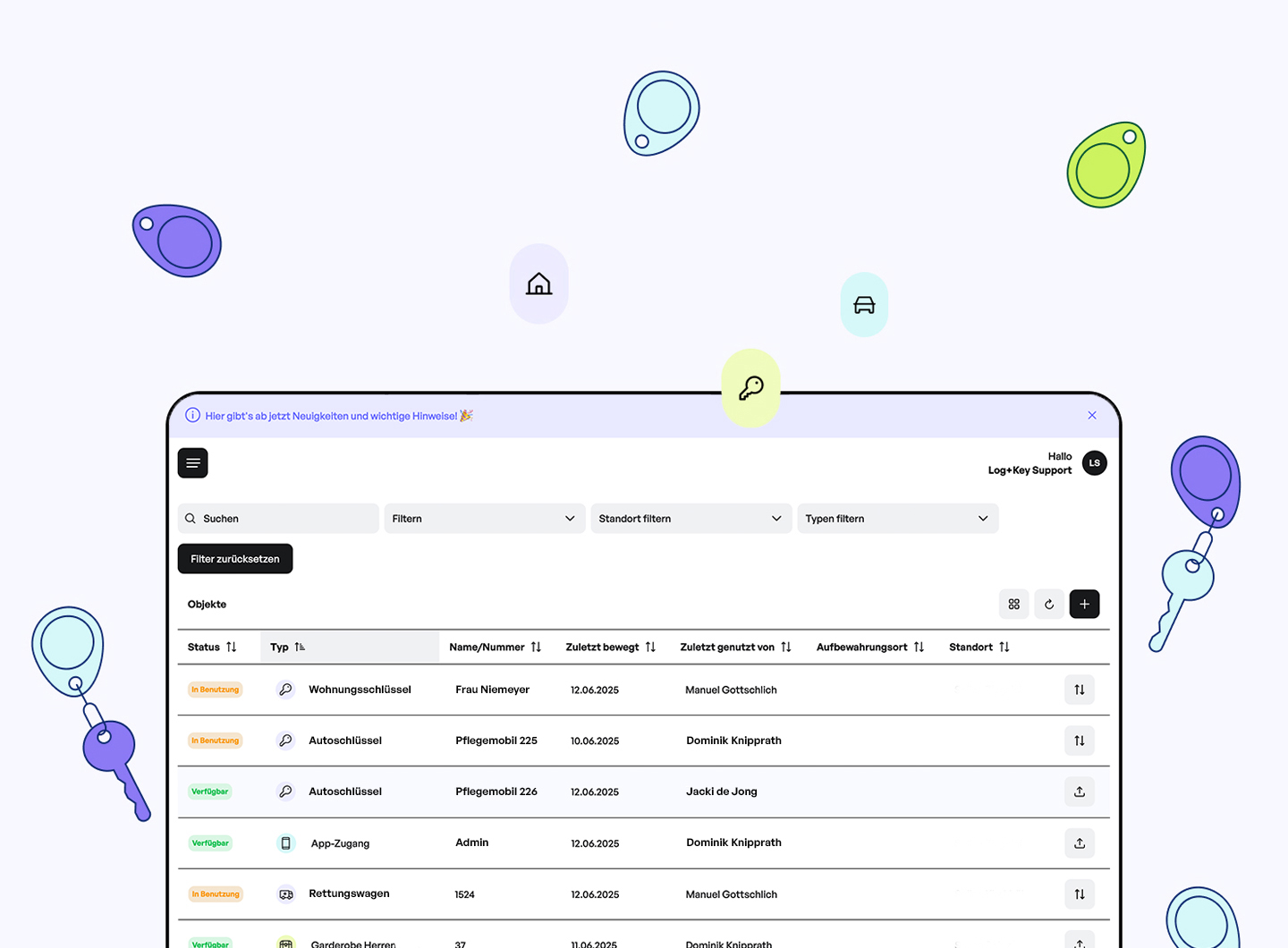
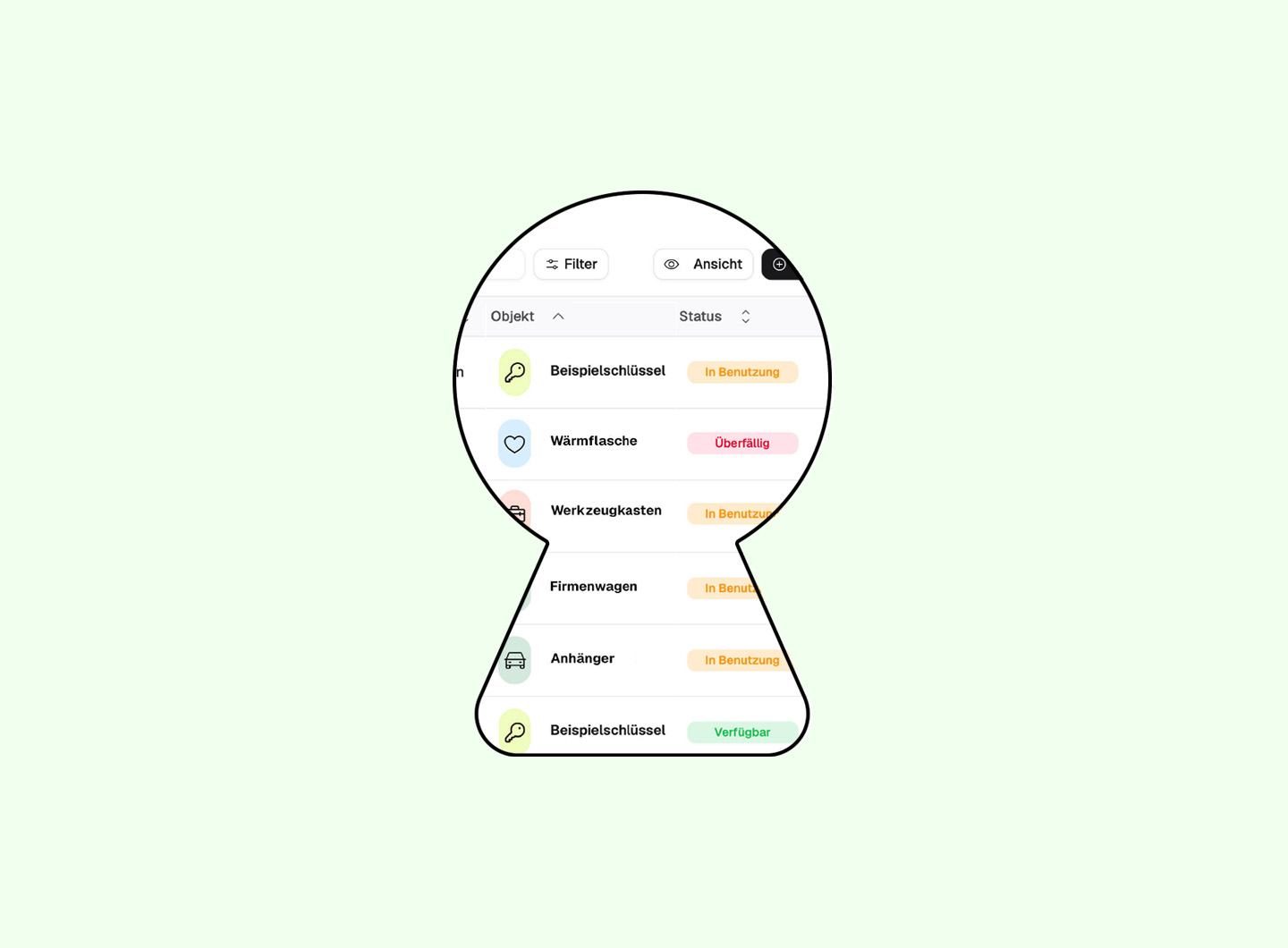
With our 2.0 update we've thoroughly reworked the table view. Columns can now be shown or hidden individually and arranged to suit your needs. Filters have been made clearer and more compact, so they're quicker to take in. The history is now far more visual, too: actions such as checkout or return are shown as intuitive badges. Breadcrumbs add even more orientation on top.
✨ New flexibility in the inventory
The inventory in Log+Key 2.0 is enhanced with new information: types and object-movement periods make for detailed yet clear record-keeping — in shift-based operations, for example. Additional UI refinements make the inventory clearer and easier to use overall.
⏩ Reach your goal even faster at the terminal
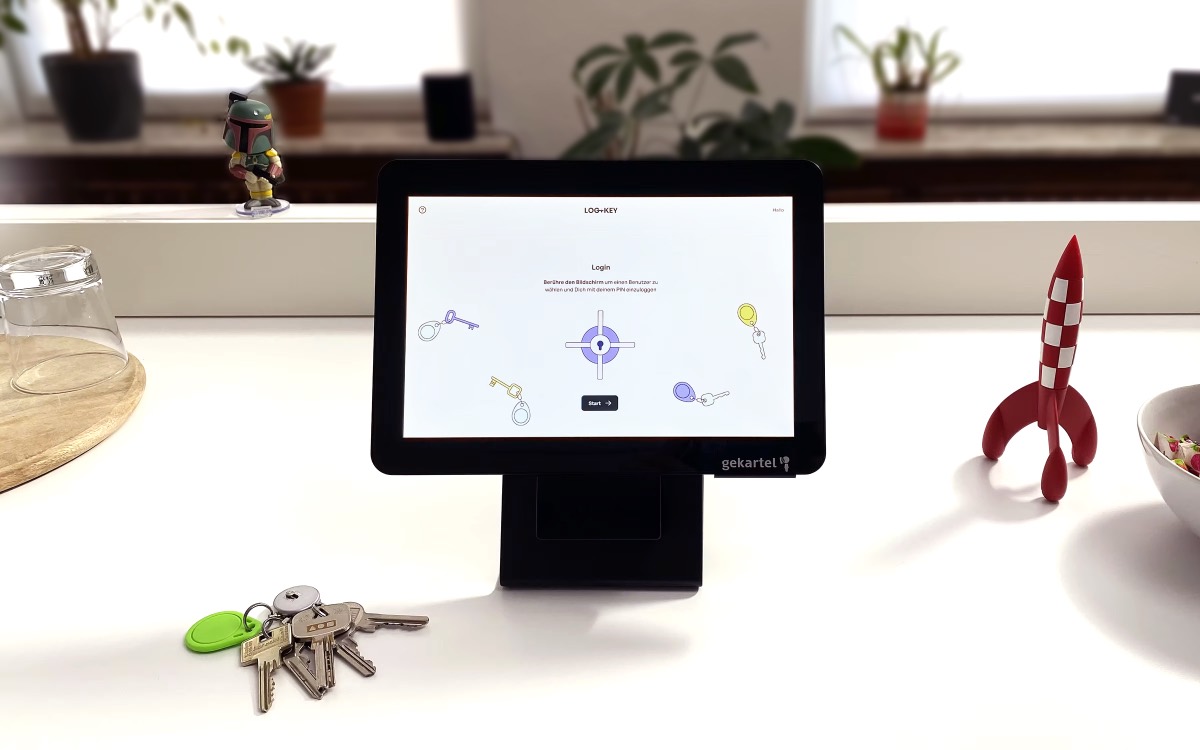
The terminal benefits from our 2.0 update as well. Users are now listed alphabetically, so you keep track even with large teams. The workflow has also been greatly simplified: no pre-selection needed! You scan your object and can check it out and return it in a single step. Object details are now available straight from the overview with just a double-click on the object.
📱 Mobile – focused & user-friendly
Log+Key 2.0 includes a comprehensive mobile optimisation. In the mobile view, for instance, the filters have been deliberately pared back to make more room for the object view. The detail view of objects is now more clearly structured and noticeably more user-friendly.
Would you like to see our update in action? Then get in touch.
We'd be glad to show you Log+Key live in a no-obligation demo!
📞 +49 241 51 00 00 43