Behind the scenes, Log+Key is continuously optimised and improved. With versions 2.1, 2.2 and 2.3 we've rolled out a whole series of small and large updates that make your day-to-day key management even more intuitive, flexible and clear.
📊 The big history refactoring
The history is the heart of complete documentation. So you can find what you're looking for even faster, we've reworked and tidied up the history from the ground up. You can now filter entries by an exact time, or show only your own history with a single click. The history now records precisely which email receipts were sent automatically for an action. On a user's detail page, the ‘More actions’ menu now takes you straight to their personal history.
🖥️ Updates for the Log+Key terminal
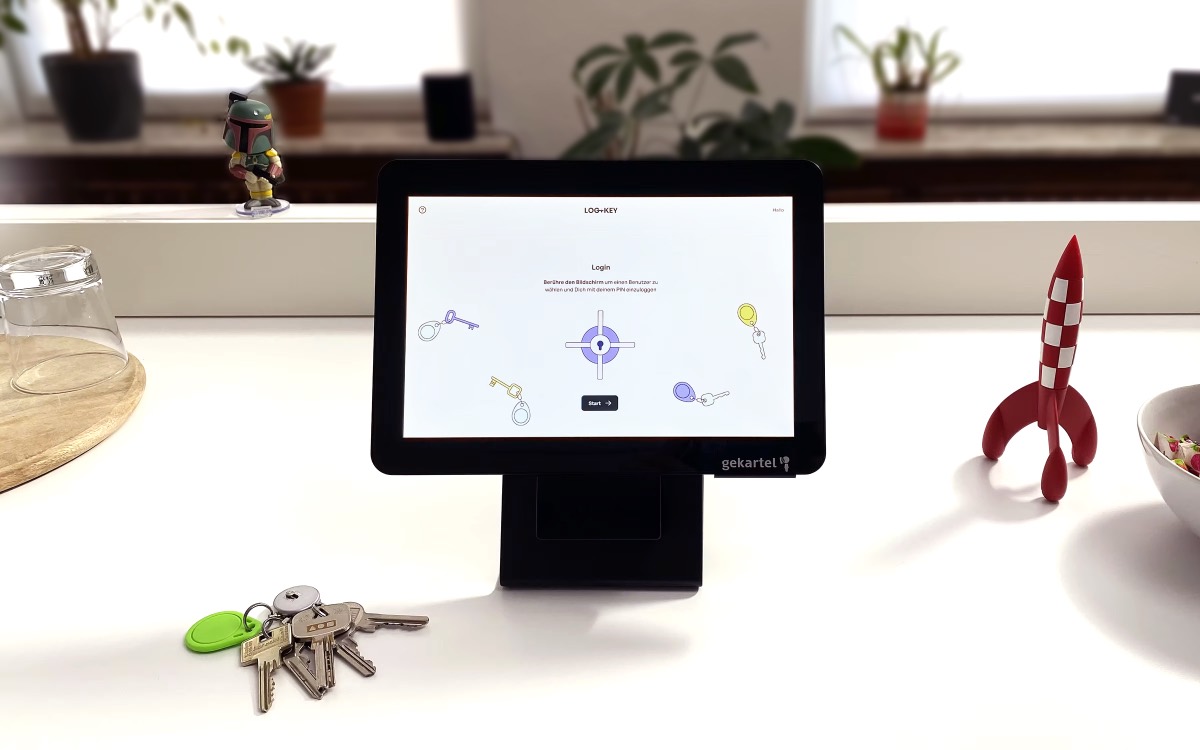
What was previously only possible in the web frontend now works directly at the terminal too: you can hide and sort columns as you like. A new option has also been added for take-overs: when you take over objects at the terminal, you can now choose directly whether they should be checked out or returned. The terminal can handle more individual data as well, because so-called Custom Takeable Fields (custom fields for takeable objects) can now be edited directly during checkout or return at the terminal.
🌍 Log+Key now speaks English too
Log+Key is going international! A single click on your username at the bottom left is all it takes to switch the entire interface to English. That makes it far easier to use, especially in mixed teams or for external service providers.
🔒 More access control for external partners
For external people or partner companies we've introduced a new permission. With it, these users see only the keys and objects currently assigned to them. This ensures maximum discretion and clarity.
⚙️ Clever detail improvements & convenience features
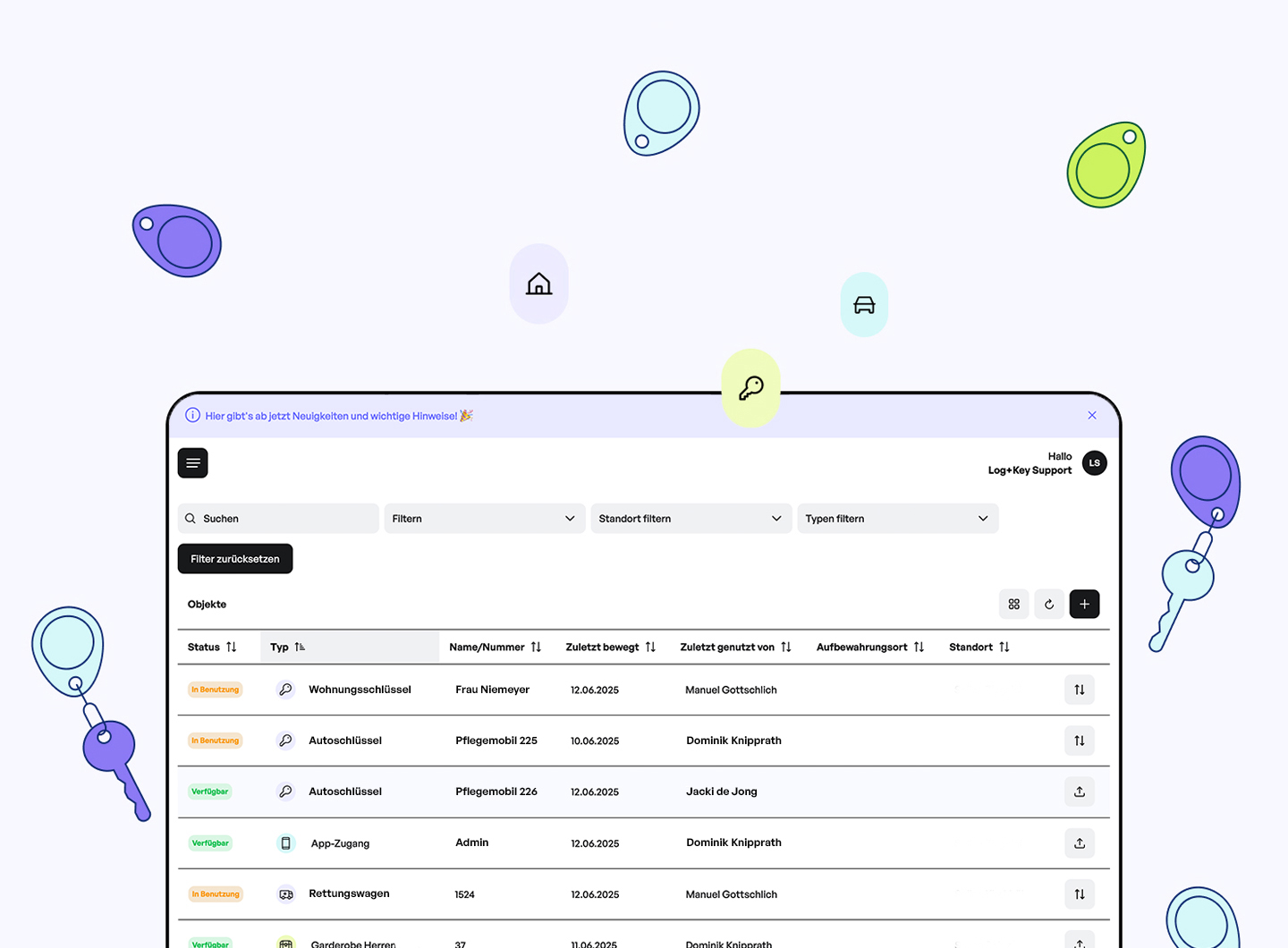
In administration, an automatic email receipt can now be sent directly when objects are archived. The PDF templates for this now also offer a placeholder for the object description. In the user overview, each user's roles and locations have been added as their own columns. On the type detail pages, the relevant type statistics are shown to you directly. Completed inventories are hidden by default to keep the focus on what's current. There's also a new notes field for important remarks. A handy new feature is rules: for loans, you can define fixed default loan durations, for example.
🛠️ Bug fixes
Of course, we've been busy fixing bugs again, too. Among other things, the timeout behaviour of the terminals for touch and tag inputs has been corrected, searching for tags with special characters now works smoothly, and minor display glitches on mobile devices and in table pagination are a thing of the past.